New AI Productivity Tools: 3 Updates Worth Trying Now
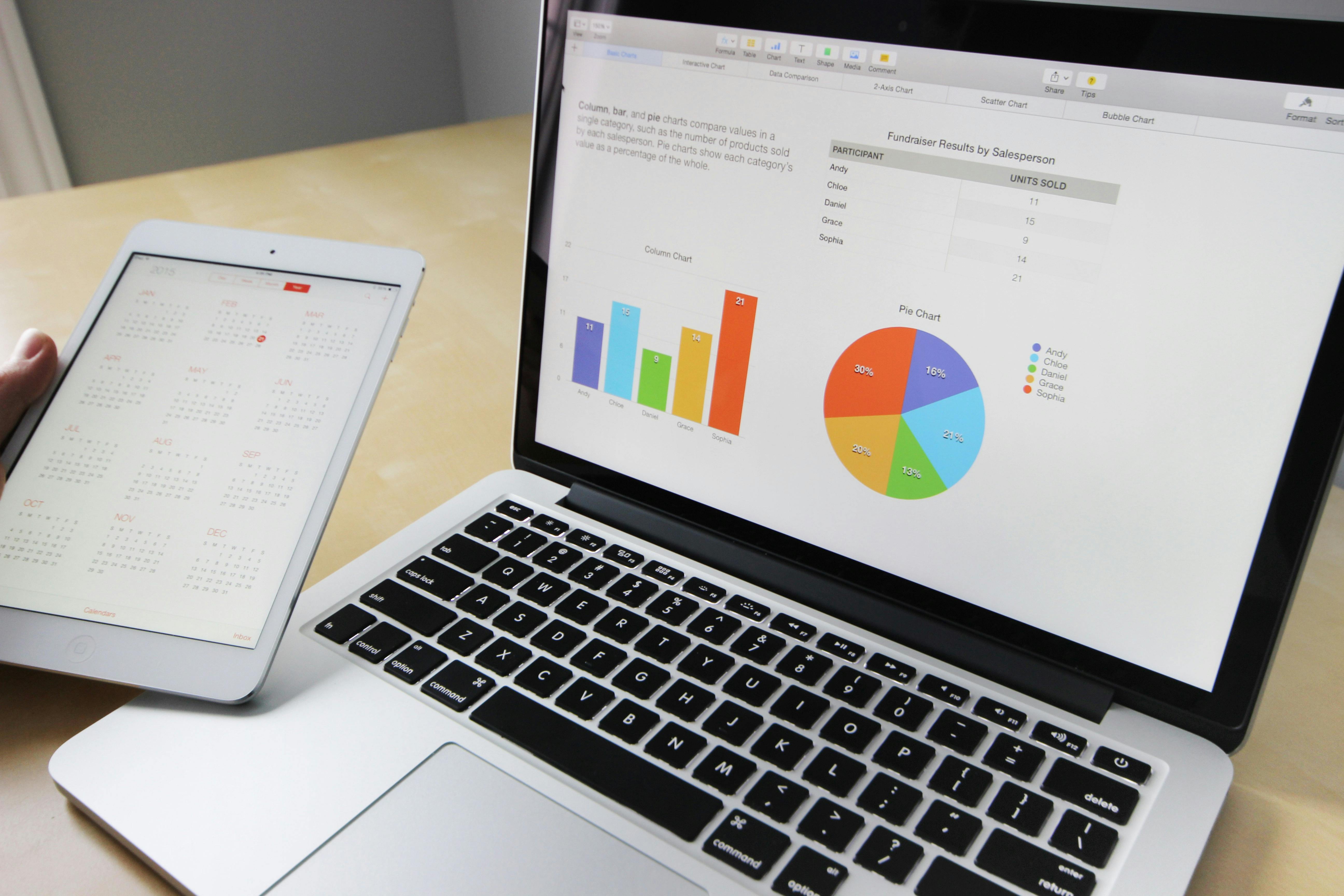
Three popular apps added new AI features on November 4 and 5, 2026. None of them is a brand-new product, which is exactly why these AI productivity tools are worth a look: they sit inside software many people already use. ChatGPT can now make animated GIFs, Google Forms can analyze survey answers, and Dropbox can reorganize files on request. Here is what each does, who gets it, and how to try it without handing over more control than you mean to.
ChatGPT Images 2.6: GIFs and Saved Reference Images
On November 4, OpenAI introduced Images 2.6 for ChatGPT, Codex and its developer API. For everyday users, the headline is GIF creation. According to OpenAI's release notes, you can ask for a looping animation, or upload a sketch and ask ChatGPT to make the character wave. You can then adjust the playback speed and share the result. The Verge, which covered the launch, reports that you can also edit individual frames.
A second feature, saved reference images, lets you reuse a photo in later chats. OpenAI's example: save a photo of your dog as "Pepper," then ask for a watercolor portrait of @Pepper without uploading the photo again.
OpenAI says Images 2.6 generates images 50% faster than before and is available globally across all subscription tiers on web, desktop and mobile. Those speed and availability figures are the company's own claims. The GIF feature is described as rolling out, so it may not appear in every account at once.
Try it: ask for a simple loop, such as a logo that bounces or a sketch that waves, to make a lightweight animation for a newsletter, a slide or a chat reply.
Google Forms: Gemini Turns Responses Into Insights
On November 5, Google announced actionable insights in Google Forms. From the Responses tab, Gemini analyzes your form responses, looks for trends and patterns across questions, and suggests next steps. Google says Gemini writes and runs Python code to produce counts, percentages and comparisons, so findings are based on your actual response data. Google suggests event and product feedback, research surveys, and registration or application forms as good fits.
Good to know, per Google's help page: your form needs at least 12 responses and 3 questions, and the feature is not available for forms with quiz settings turned on. Availability depends on your plan: Google lists Business Standard and Plus, Enterprise Standard and Plus, Education Plus, and consumer Google AI plans. For Rapid Release Workspace domains, the gradual rollout started November 2 and can take up to 15 days to appear, while Scheduled Release domains start on November 19.
Try it: open a form with a dozen or more responses, go to Responses, find the Actionable Insights section and choose Generate insights. Open the analysis steps to see how Gemini reached its conclusions.
Dropbox: AI That Organizes and Renames Your Files
Also on November 5, Dropbox announced AI that can act on files, not just search them. According to Dropbox, you describe what you want done and it proposes a plan, then carries it out once you approve. The examples it lists include organizing folders, creating project folder structures, bulk-renaming files, combining documents into PDFs, converting or compressing content and transcribing recordings.
Dropbox says the AI works within your existing permissions, shows a plan before changing anything, keeps a record of actions taken, and lets you undo supported changes. Those are company claims and worth testing on a small folder first.
Availability is narrower than the other two. Dropbox says the initial rollout covers Standard and Advanced business plans in the US, UK and Australia, in English, with broader availability planned for 2027.
How to Try AI Productivity Tools Without Losing Control
Features that create, analyze or move your files deserve a few habits, whichever tool you use:
- Start small. Test on a copy or a low-stakes folder before pointing AI at something important.
- Read the plan. If a tool shows what it will do before it does it, read that step instead of clicking through.
- Check the numbers. An AI summary of survey results is a starting point. Spot-check a few counts against the raw data.
- Know where the undo is. Version history and undo options are only useful if you know they exist before you need them.
- Use official sources. Turn on new features inside the apps you already trust, rather than installing add-ons from unknown sites. Our guide to fake software download traps explains why.
What This Means for You
The pattern across all three updates is the same: AI is moving from a separate chat window into the apps where work already happens. That makes AI productivity tools easier to try, but it also means features can show up in your account quietly. It is worth checking release notes occasionally, and checking your plan, since two of the three are limited by subscription.
Conclusion
ChatGPT gains a quick way to make GIFs, Google Forms gets help turning responses into decisions, and Dropbox adds file organizing that asks first. None of these AI productivity tools needs a new app, only a few minutes of testing and some healthy skepticism about the results.
Your turn: which everyday task would you most like an AI tool to take off your plate: organizing files, analyzing feedback, or making visuals?
Sources
- OpenAI, "Introducing Images 2.6" (Nov 4, 2026)
- OpenAI Help Center, "ChatGPT release notes" (Nov 4, 2026 entry)
- The Verge, "ChatGPT will now make you animated GIFs" (Nov 4, 2026)
- Google Workspace Updates, "Get actionable insights with Gemini in Google Forms" (Nov 5, 2026)
- Google Docs Editors Help, "Summarize & analyze responses with Gemini in Google Forms"
- Dropbox Blog, "From storage to action: put AI to work in Dropbox" (Nov 5, 2026)


Comments
Post a Comment